Filter
Sort by:

FAQ
What is a 360 camera?
A 360 camera uses two or more ultra-wide lenses to capture everything around you in a single shot. Unlike traditional cameras that only film in one direction, it records all angles at once, which you can then explore later. This makes it great for travel, outdoor adventures, sports, or any situation where you want to capture more of the scene than a regular camera can. With no need to aim or frame, you can fully enjoy the moment and relive it in the edit.
How do I choose the right 360 camera?
With so many models and features, it's easy to get lost in the details. But choosing a 360 camera mostly comes down to what you want to do with it, and Insta360 offers three standout options.
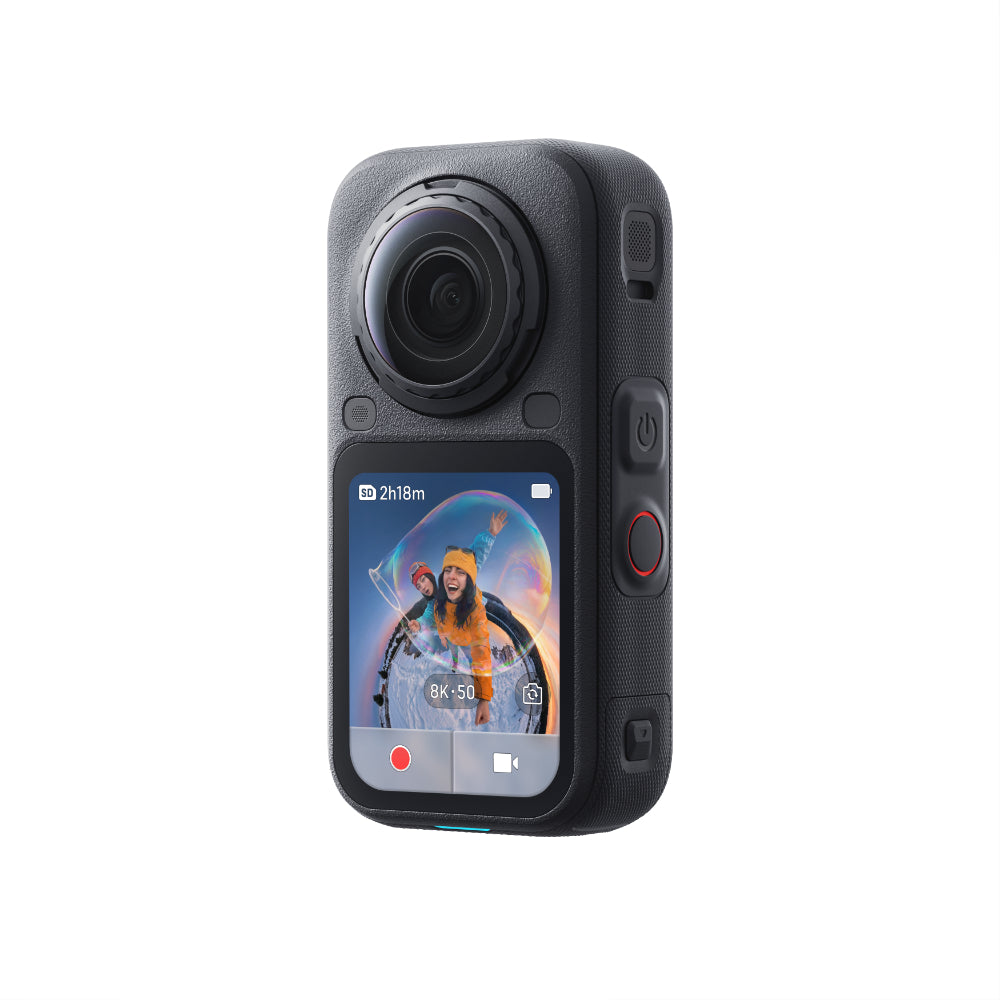
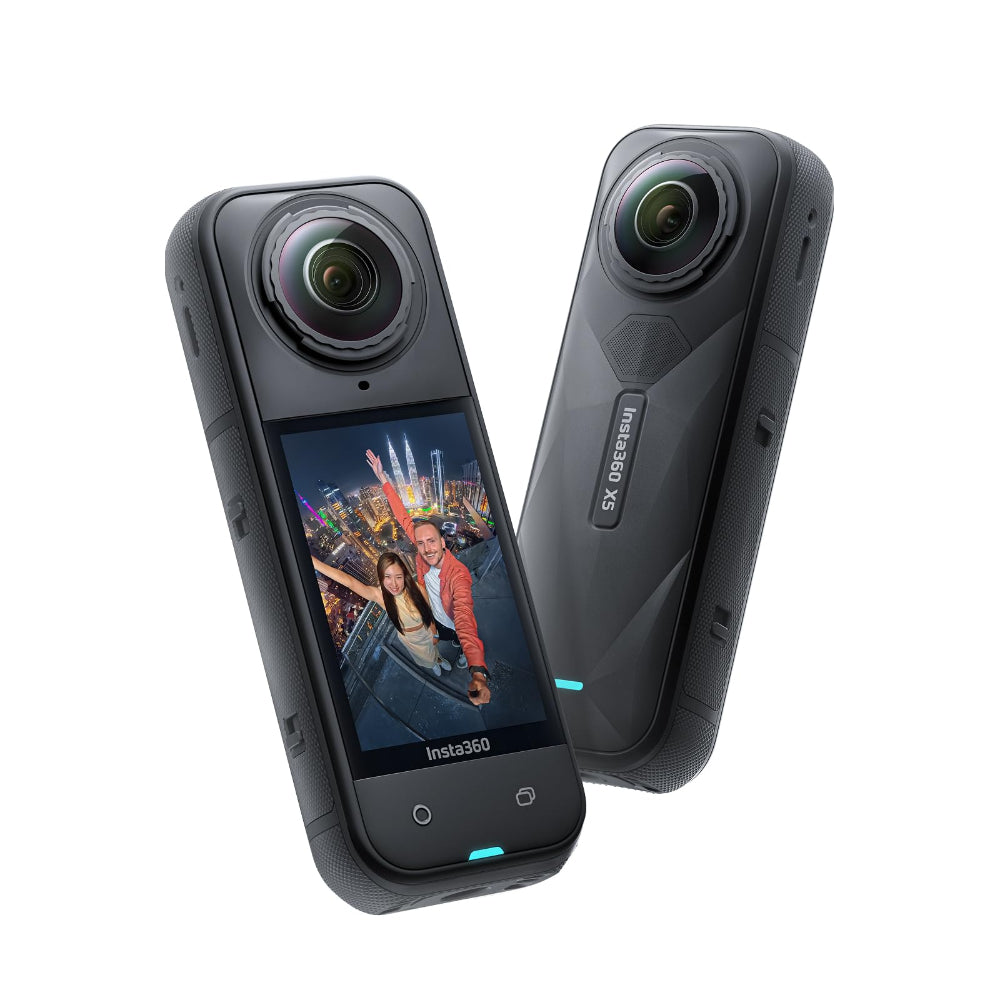
Insta360 X5 is great if you want the highest-quality footage, with incredible 8K video day and night, advanced features, and replaceable lenses for maximum flexibility.
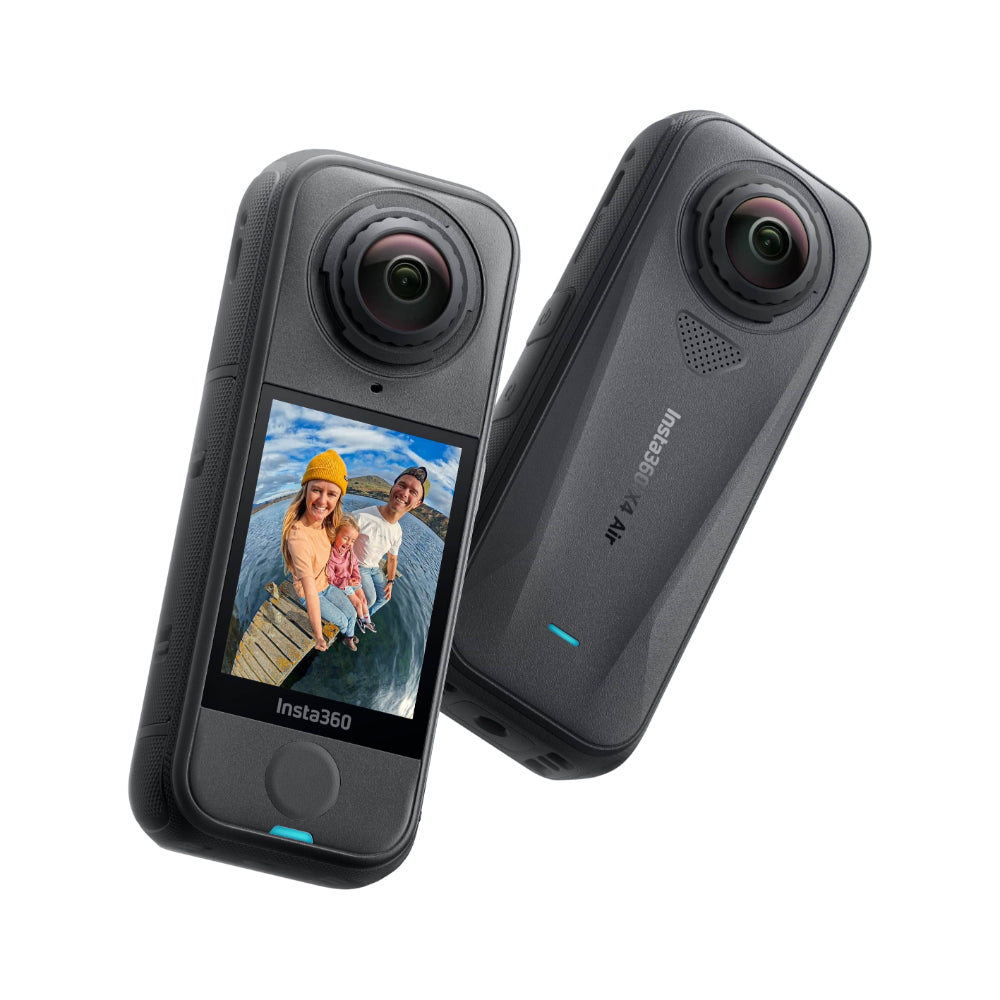
Insta360 X4 strikes a balance between performance and ease of use, making it a solid choice for everyday adventures or casual vlogs.
Insta360 X3 is lightweight, low-cost, and beginner-friendly with clear 5.7K video, making it easy to capture and share spontaneous moments.
What kinds of activities are 360 cameras good for?
A 360 camera gives you more flexibility and creativity than a traditional camera. They're incredibly versatile and can be used in countless ways to capture life from every angle.
Travel and vlogging: Record your trips, city walks, or family outings without worrying about framing, then find the best angles afterward. Fun effects like Tiny Planet or Bullet Time make your clips more shareable and are guaranteed to stop scrollers.
Motorcycling: Capture your ride from multiple angles without pulling over to fiddle with your camera. Add the Invisible Selfie Stick for epic follow-shots that look like you have your own camera crew, even if you're riding solo.
Water sports: Dive in, splash around, and record every moment without worrying about damage. Our waterproof and rugged 360 cameras let you film diving, kayaking, surfing, and more while keeping your footage steady, safe, and immersive.
Biking: Keep your hands on the handlebars while capturing your route from first- or third-person perspectives. Whether you're navigating trails or commuting, you won't miss any of the action.
Winter sports: Mount the camera on your helmet, chest, or poles to capture sweet shots from the mountain. You'll get smooth, steady footage even in freezing temps, all while staying fully focused on the slopes.
What accessories can help me get the most out of my 360 camera?
Adding mounts and accessories opens up a whole new world of possibilities.
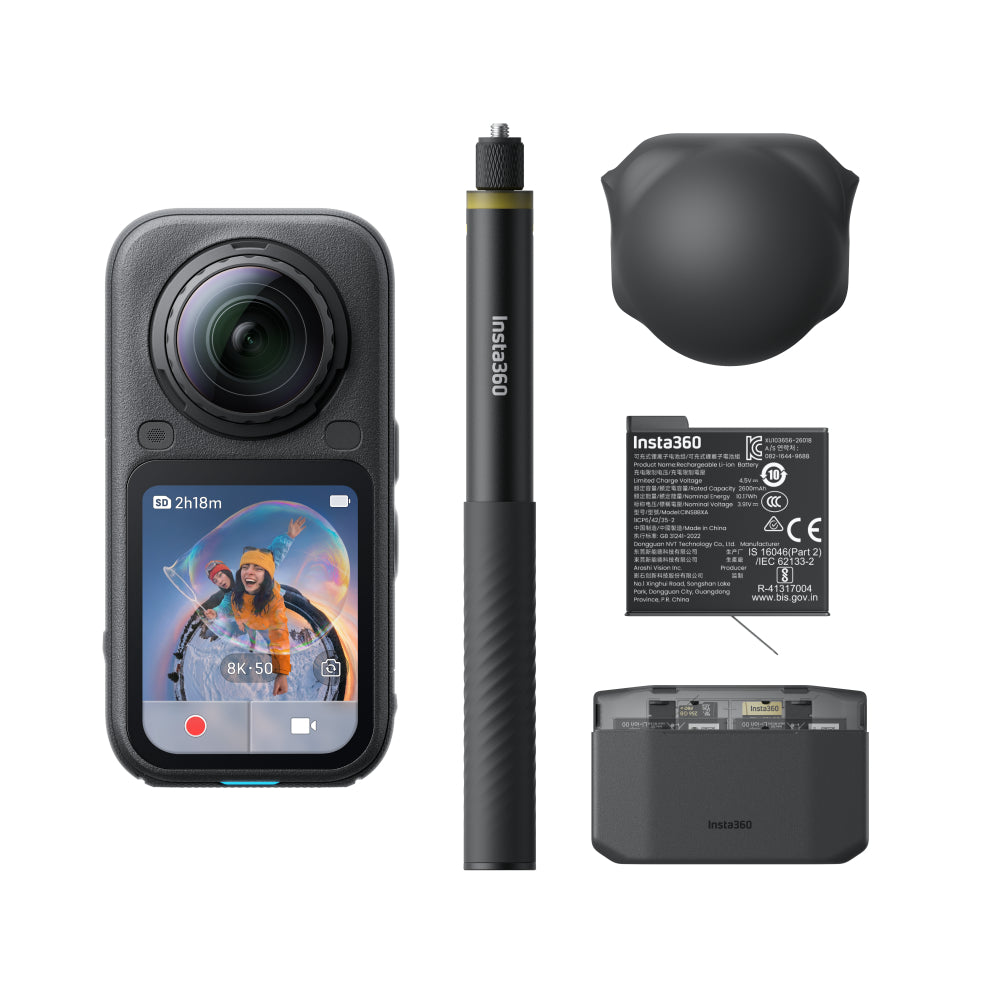
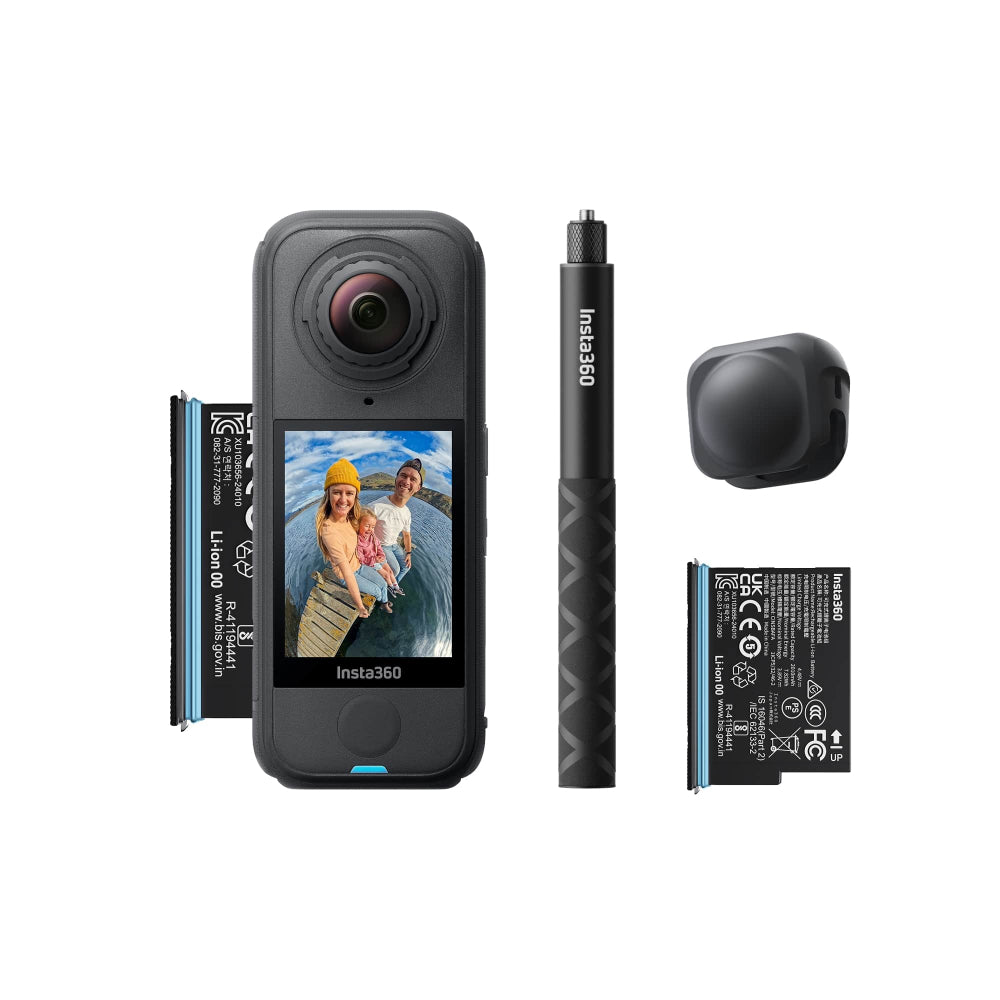
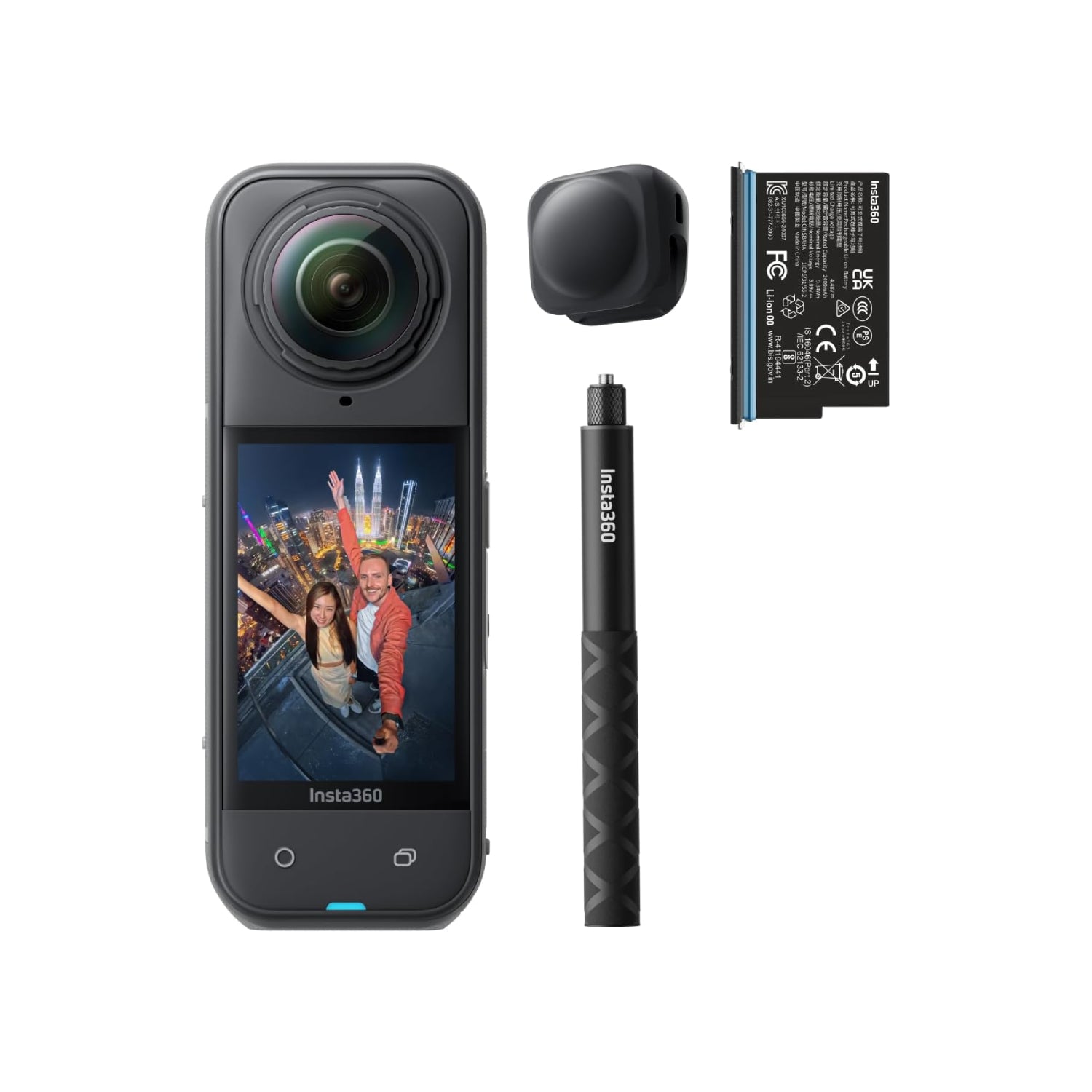
All of our 360 cameras are compatible with the Invisible Selfie Stick, which films incredible third-person, fake-drone, and wide-angle shots and then completely disappears in your final video. Clever, eh? When it comes to selfie sticks, we've got everything from the 2-in-1 to the 3-meter long, so check our handy guide to find your perfect match.
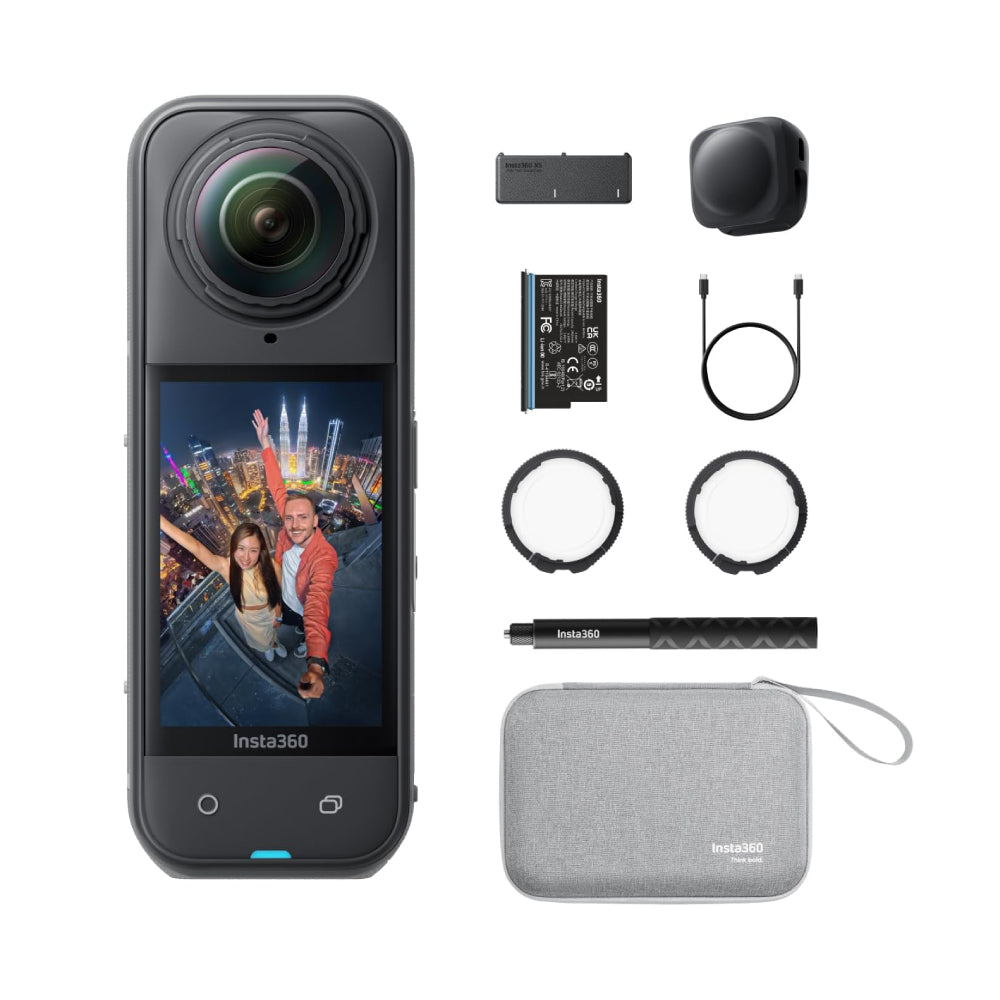
Lens caps, lens guards, and protective cases keep your camera safe from scratches and scuffs. If you're filming with X5, you can swap out damaged lenses yourself with the replacement lens kit.
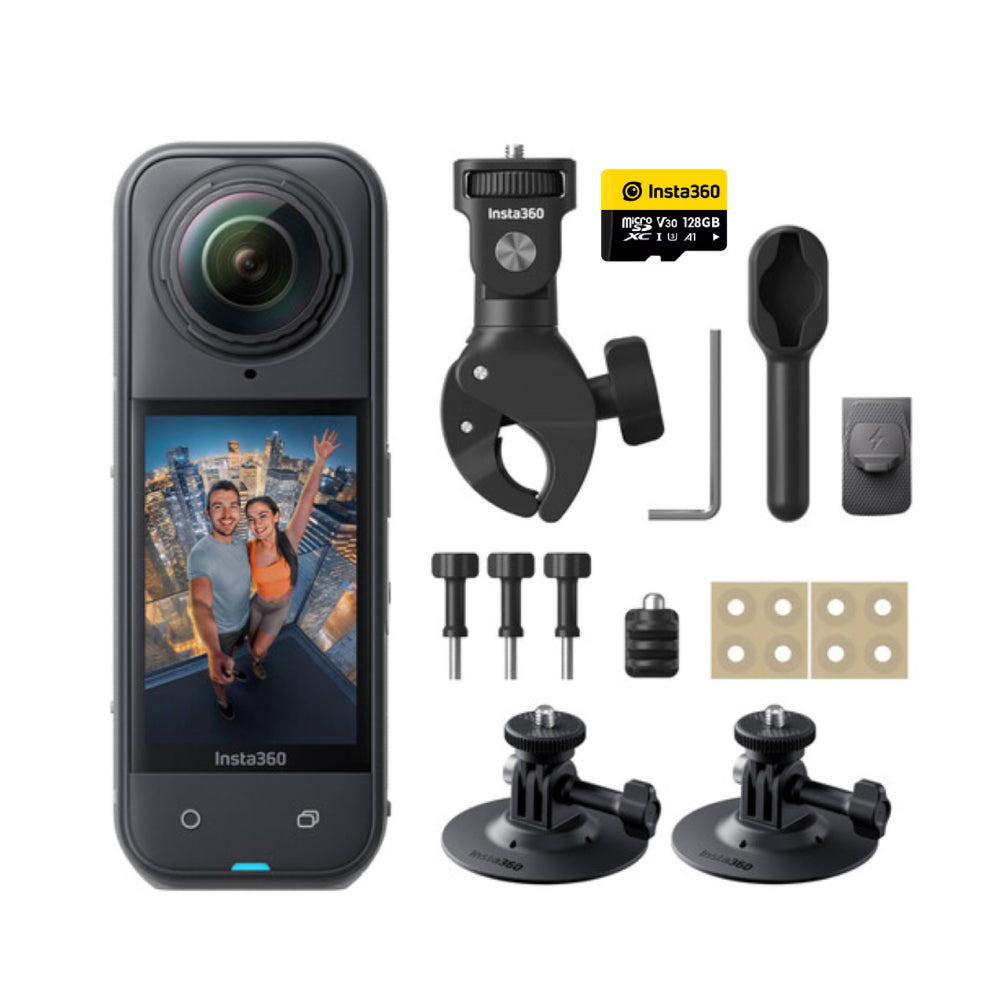
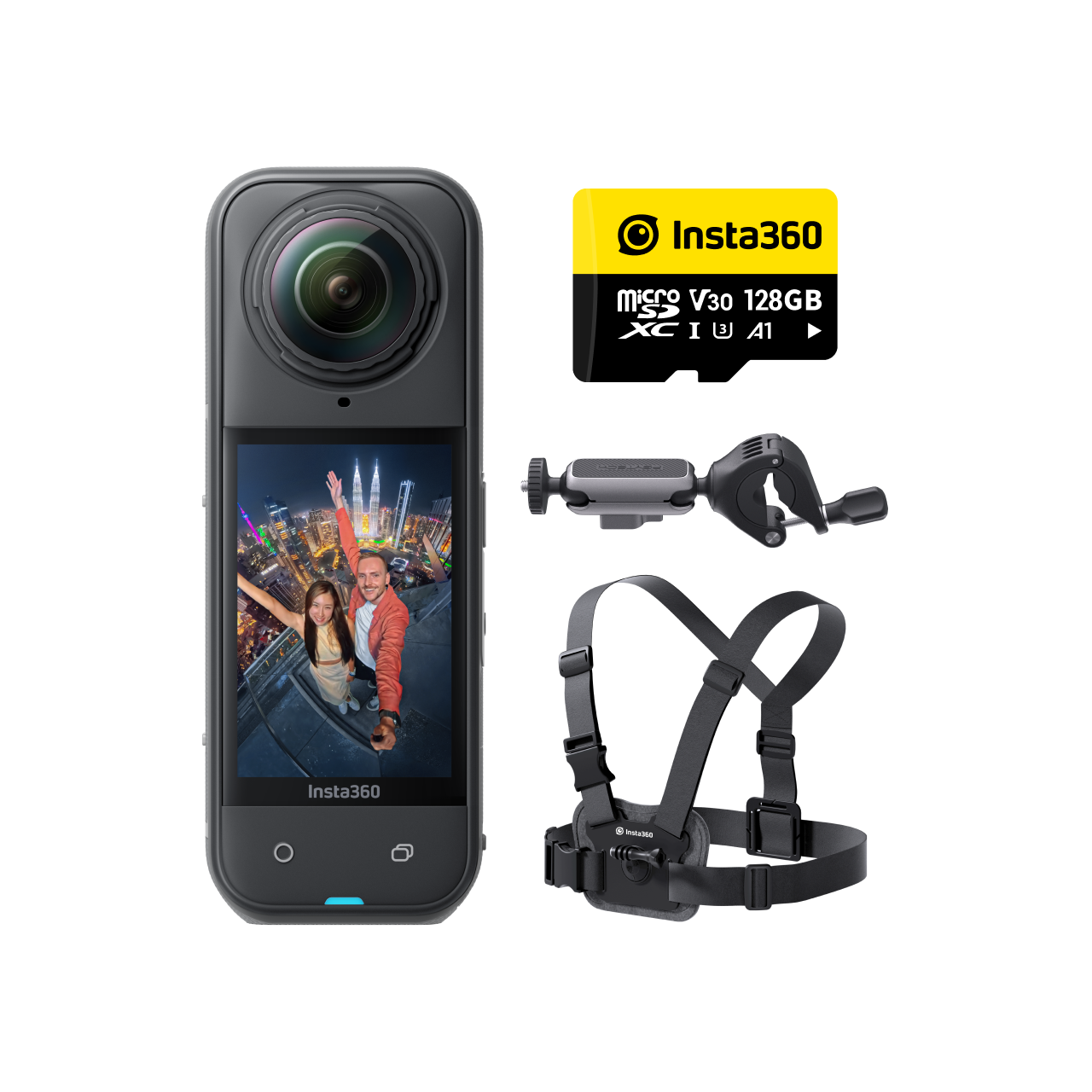
Mounts for helmets, handlebars, and cars let you film hands-free, no matter the activity. For immersive first-person shots, try a chest or helmet mount and maximize your POV with Insta360's ultra-wide Single-Lens Mode.
Waterproof dive cases make it easy to capture your underwater adventures and allow you to dive deeper. If you're out all day, extra batteries and portable chargers mean you won't lose power in the middle of an epic shoot.
With 200+ accessories to choose from, you'll never run out of ways to get creative with your Insta360. Add some to your arsenal and push the boundaries of what you can film.
How do I edit 360 footage?
The best thing about 360 footage is that one shot offers unlimited ways to edit. While that might sound overwhelming, editing 360 footage is a lot easier than you might think. Download the free Insta360 app and you're already halfway there.
Our mobile app is packed with easy-to-use features that make editing footage from your 360 camera easier than ever. Find the best angles by moving or swiping your phone, add keyframes to set your view precisely where you want it, or use AI-powered editing to quickly create dynamic videos.
Shot Lab lets you add fun effects with a tap, while Auto Edit automatically turns your footage into polished, shareable content for socials. Even total beginners can make incredible content without needing advanced editing skills. Trust us.
Is it difficult to use a 360 camera?
Nope! 360 cameras are beginner-friendly and don't require any technical knowledge. All you have to do is press record as you would with any other camera. It then automatically shoots in all directions, giving you a 360 video or photo ready for you to edit on your phone.
You don't even need to worry about the setup or framing beforehand like you would with a regular cam—you can do that all later in the Insta360 app.